
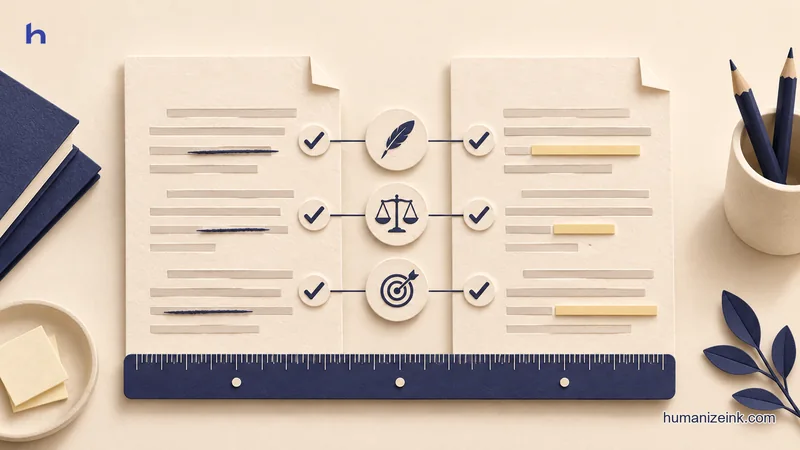
Undetectable AI offers rewriting and AI-text detection. If your goal is a clearer draft, compare the editing controls, the amount of text you can submit, and the terms that apply before pasting a document. Features on a pricing page tell you how access works. A short draft with a known source tells you whether the editor suits your writing.
Start by choosing one paragraph that you are permitted to share. Keep the original open and mark the facts it must retain. Use the manual example below as a practice edit. The workbench shows a separate saved passage. Undetectable AI terms

Compare options on the same draft
- Access
- Check plan, request length, and whether you can see the result before paying.
- Review
- Look for a way to compare the original with the proposed edit.
- Text handling
- Read the policy for the specific service or choose a manual edit.
humanizeink.com
Compare three ways to revise
Scroll to see all columns
| Option | When it helps | Check before you start |
|---|---|---|
| Undetectable AI | You want to evaluate a dedicated web rewriting service with a separate detection feature. | Read the current plan, word allowance and terms. Check when the plan asks for an account or payment. |
| Humanize Ink | You want to compare an English draft with a rewrite and edit the version you copy. | An attempt accepts up to 1,200 words and 8,000 characters, shared with any active writing sample. Check the daily and hourly limits. |
| Manual edit | You need to keep a few sensitive sentences in your own editor or change one small passage. | Keep a copy of the original or use tracked changes. Check the result against your sources. |
The options differ in access and workflow. A feature name or review score tells you little about whether you can inspect the result, restore a sentence, or paste the work under your organization’s policy. Read the current Undetectable AI pricing and Humanize Ink limits before making a choice.
Try a paragraph with a condition
Original: “In order to make the shipment available on Friday, the warehouse requires approval by Wednesday. The courier has not yet confirmed collection.”
Worked manual edit: “The warehouse needs approval by Wednesday to have the shipment available on Friday. The courier hasn’t confirmed pickup yet.”
Underline the two dates, the approval condition, and the unconfirmed collection. Then read the revised version as a recipient. If it says the courier will collect the shipment, the edit turns an unconfirmed pickup into a commitment.
For a more realistic comparison, choose a paragraph with one condition and one term your audience already knows. A tool that repeatedly changes key details costs you time in review. Use the same scorecard for each version: clear action, same facts, and an edit you can undo or adjust.
Decide what you can paste
A business document can contain confidential details even after you remove names. Check the relevant terms and privacy information before sending client or school work. An invented sample is enough to see the buttons, scope and result. When a passage must stay in an approved local workflow, use your own editor and keep a record of the changes there.
Inspect the result before copying
Begin with the original and revised version side by side. Fix factual shifts before you polish rhythm. Then read the revised paragraph in context. A simple edit often keeps a paragraph's argument more stable than a rewrite that changes every sentence. For a concrete workflow, open the saved quotation example and compare the author, numbers and citation marker.
Frequently asked questions
Is Undetectable AI the same as Humanize Ink?
Undetectable AI offers rewriting and AI-text detection. The Humanize Ink example in this guide lets you compare and edit a saved English rewrite.
What is the quickest fair comparison?
Use the same short, non-sensitive passage and check the same facts in each output.
Do I need a detector to compare rewrites?
You can compare how well each edit serves a reader by checking facts, wording and context against the original.
What should I check before paying?
Confirm the currently listed billing period, allowance, amount due and the controls you need in the result screen.
Can I use a spreadsheet or report with private data?
Check your organization’s handling rules first. For a trial, use invented text rather than private report data.